1. Brett request on his end to give view access. And the below email is sent out.
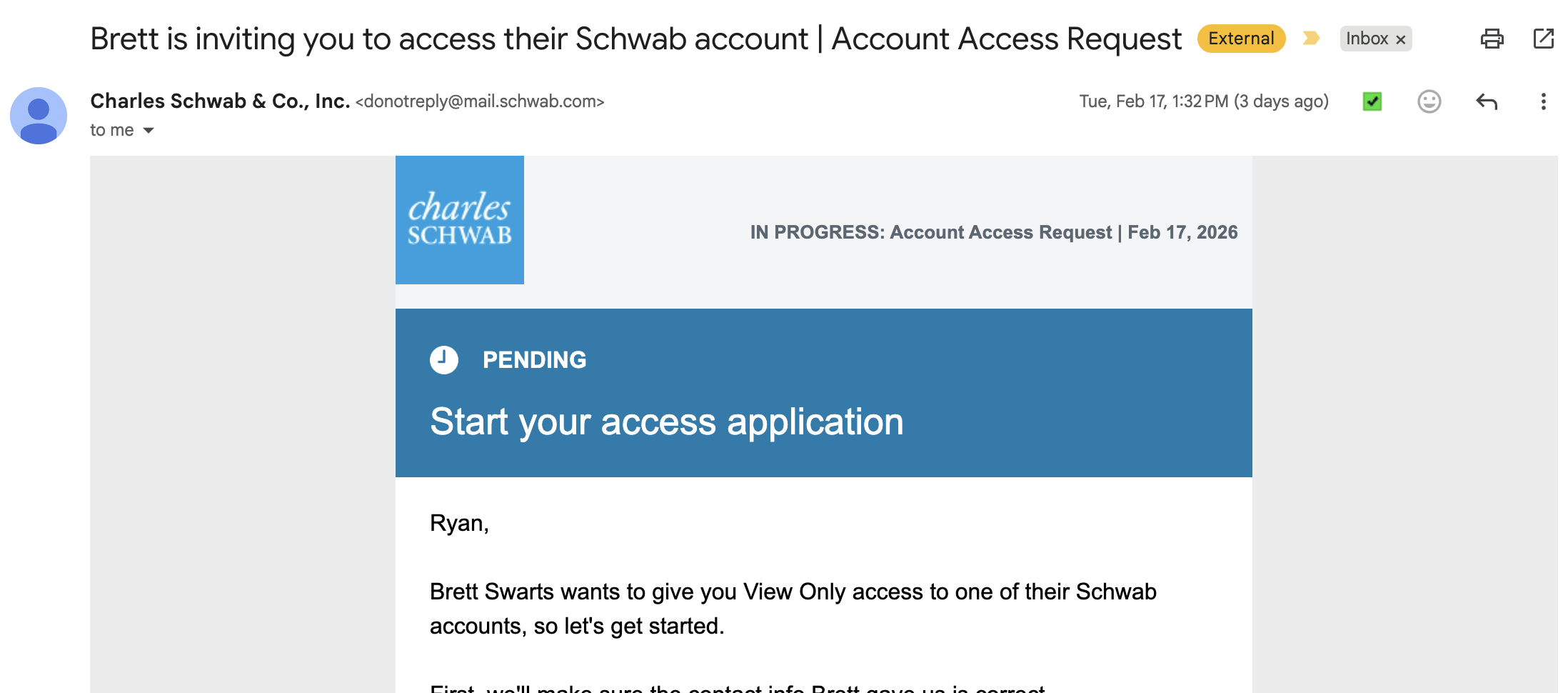
2. Click Proceed and fill in Relevant Information
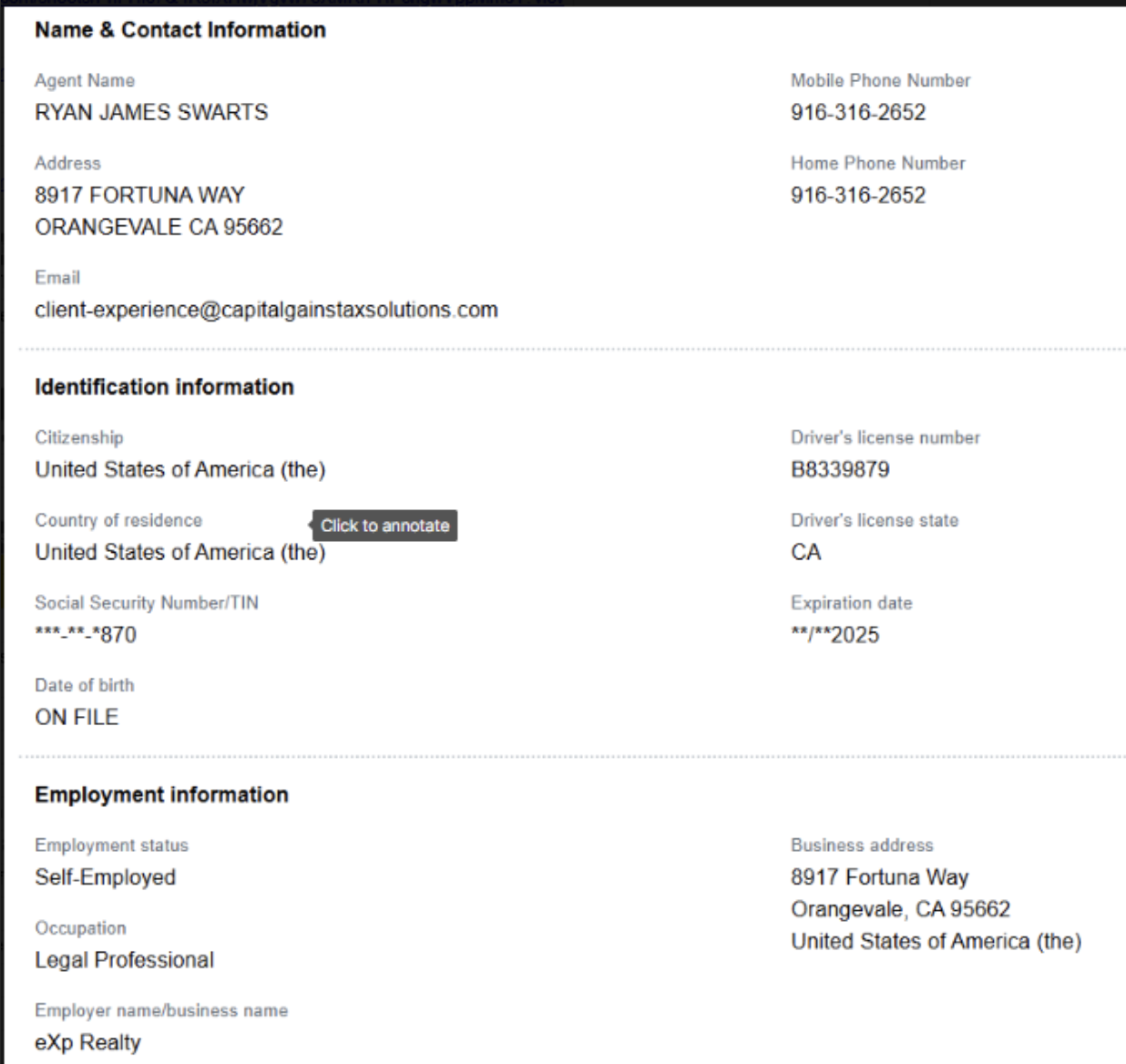
3. Account should populate in one of the profiles below: dfd
Profile 1: CGTSclientexperience
Profile 2: CGTSclientexp1
Profile 2: CGTSclientexp2
4. If trust account does not populate call in to speak with Rep and explain the following:
- They will ask for passphrase to validate confirm identity
- Give profile login for them to pull up account
- Give account number that we are attempting to add
- Give date of last request (look up email)
- Let them know in the past the Account Solutions Team Specialist team will have to add it on teh back end and it may be due to maxing out of accounts on a profile?
5. At this time they say I have to do paper version due to a technical issues.
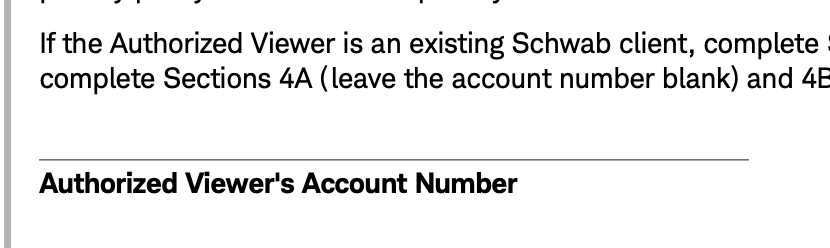
- Attached is the form
- The said to use this number for Authorized Viewer's Account #: 0985855946
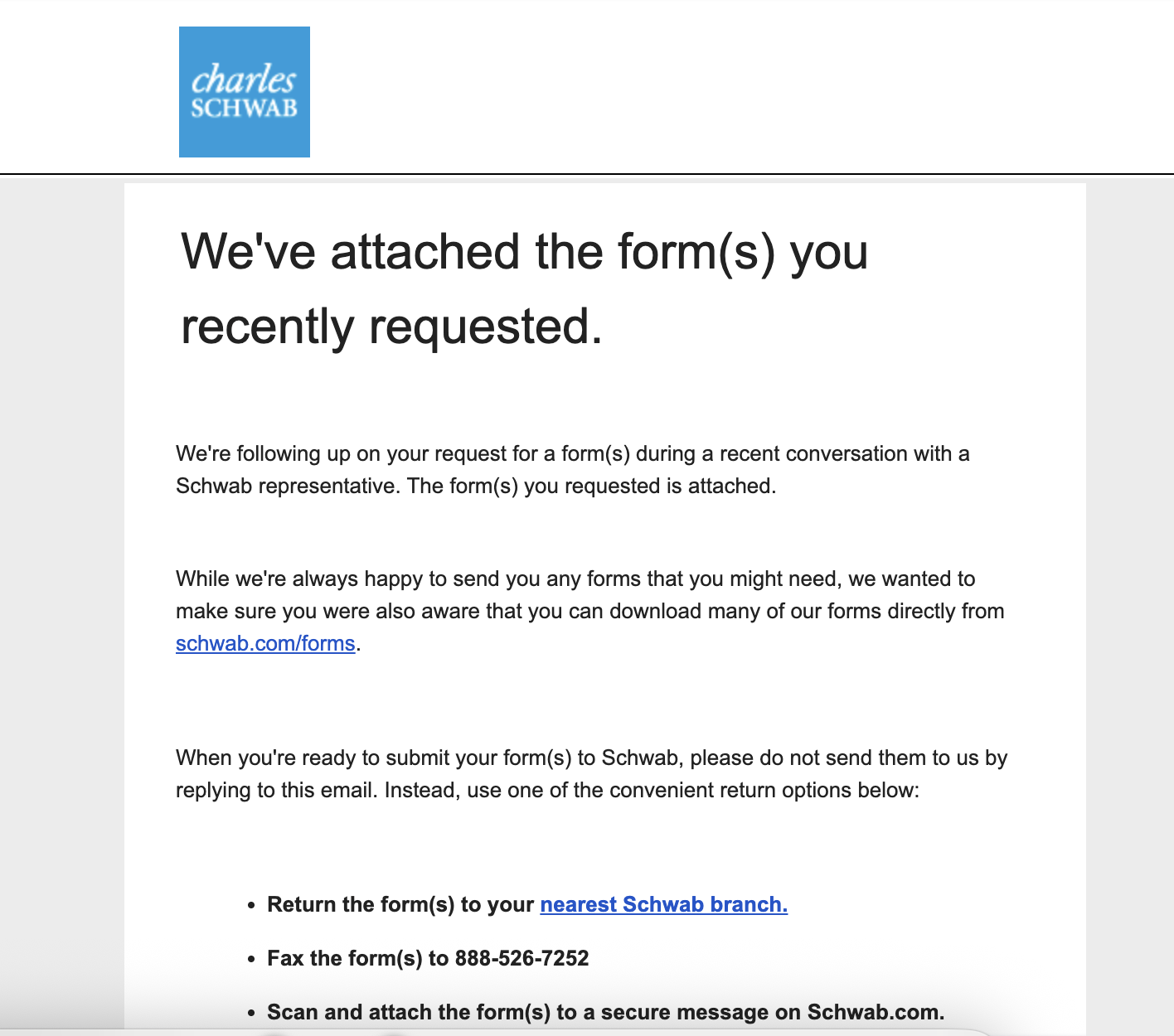
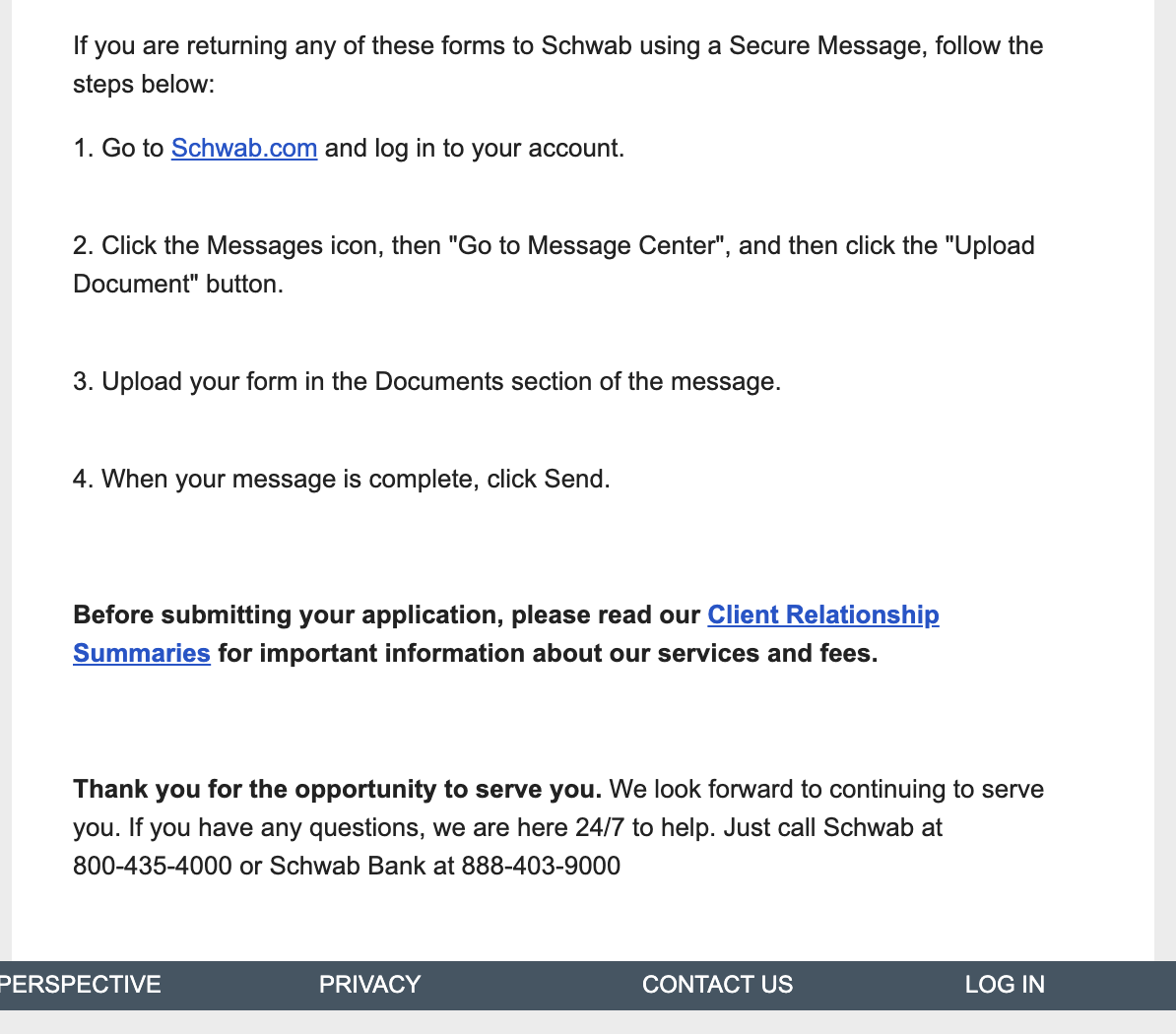
- Below is the screen shot to turn in the form.
6. Questions to ask to speed up process:
- Can this be done via chat when I log in to my profile in the future?
Was this article helpful?
That’s Great!
Thank you for your feedback
Sorry! We couldn't be helpful
Thank you for your feedback
Feedback sent
We appreciate your effort and will try to fix the article